
How to navigate our new website
How to navigate our new website
You may have noticed we've recently made some visual improvements to our wholesale website. If you're seeing an outdated version of our website, please clear your cookies and cache and try again.
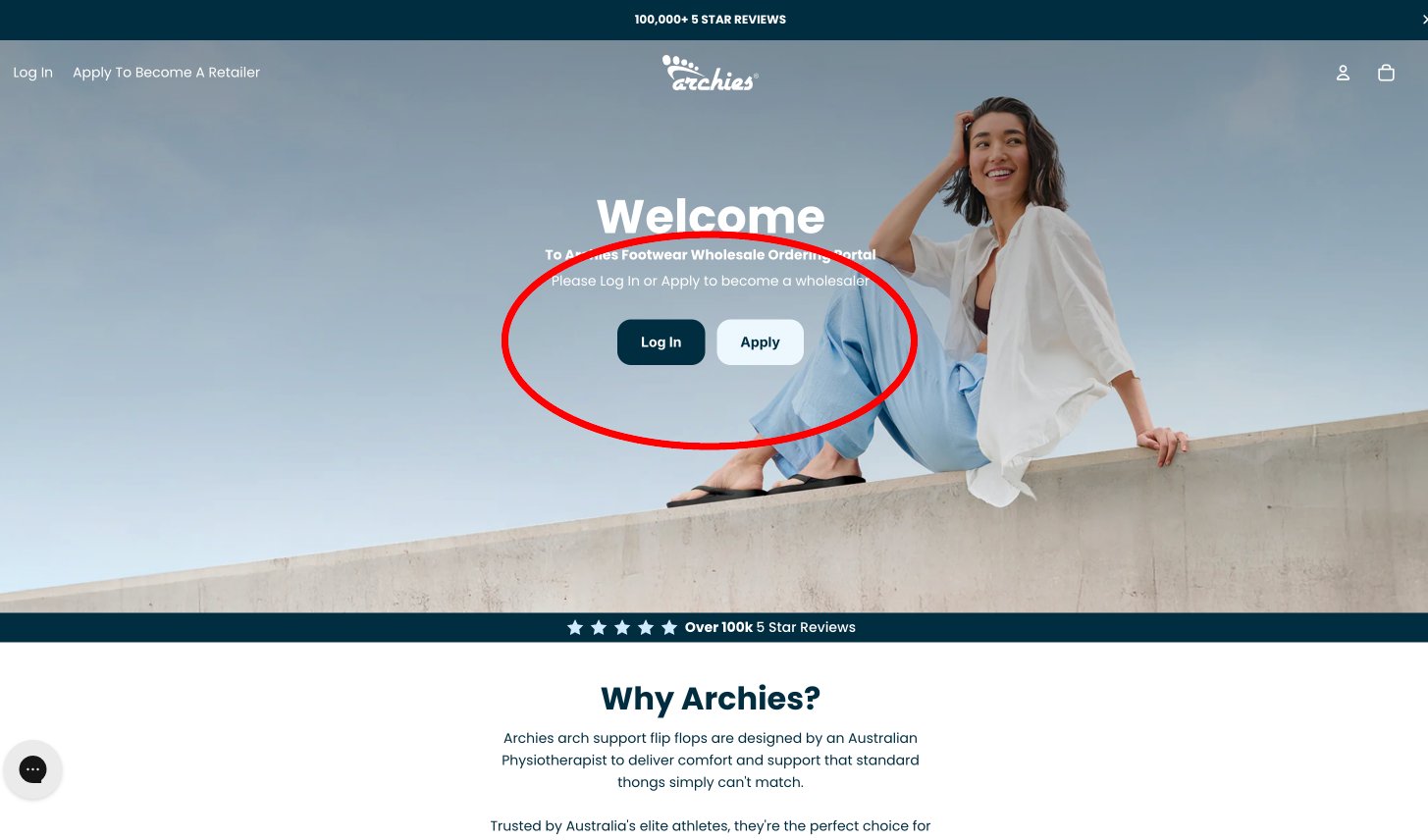
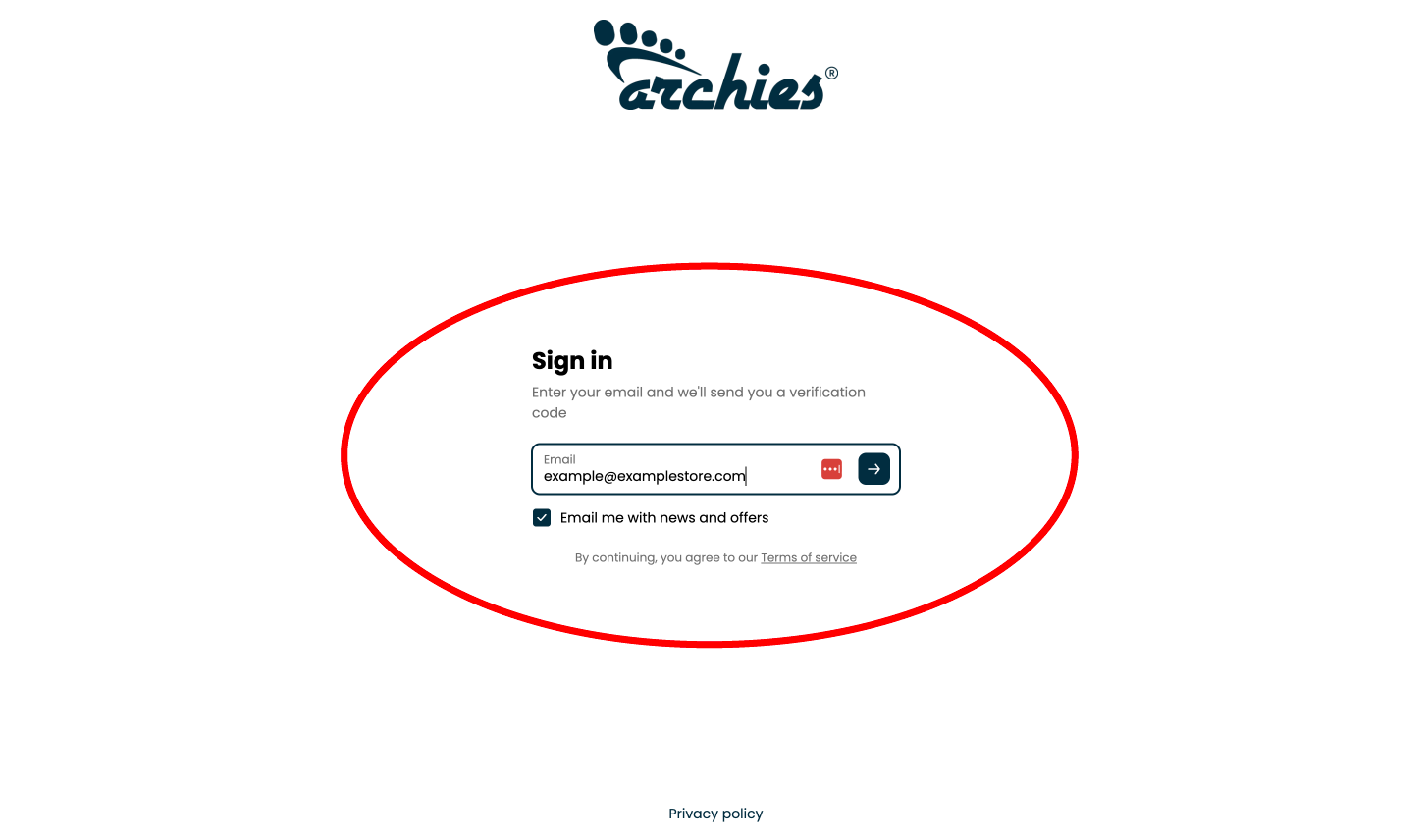
When you first land on our new home page you'll be met with a "Welcome" message and buttons to 'Log In' or 'Apply' - If you're an authorised Archies retailer and would like to log in please click 'Log In'. Instead of relying on remembering passwords you'll be sent a 6 digit code to your authorised email address.
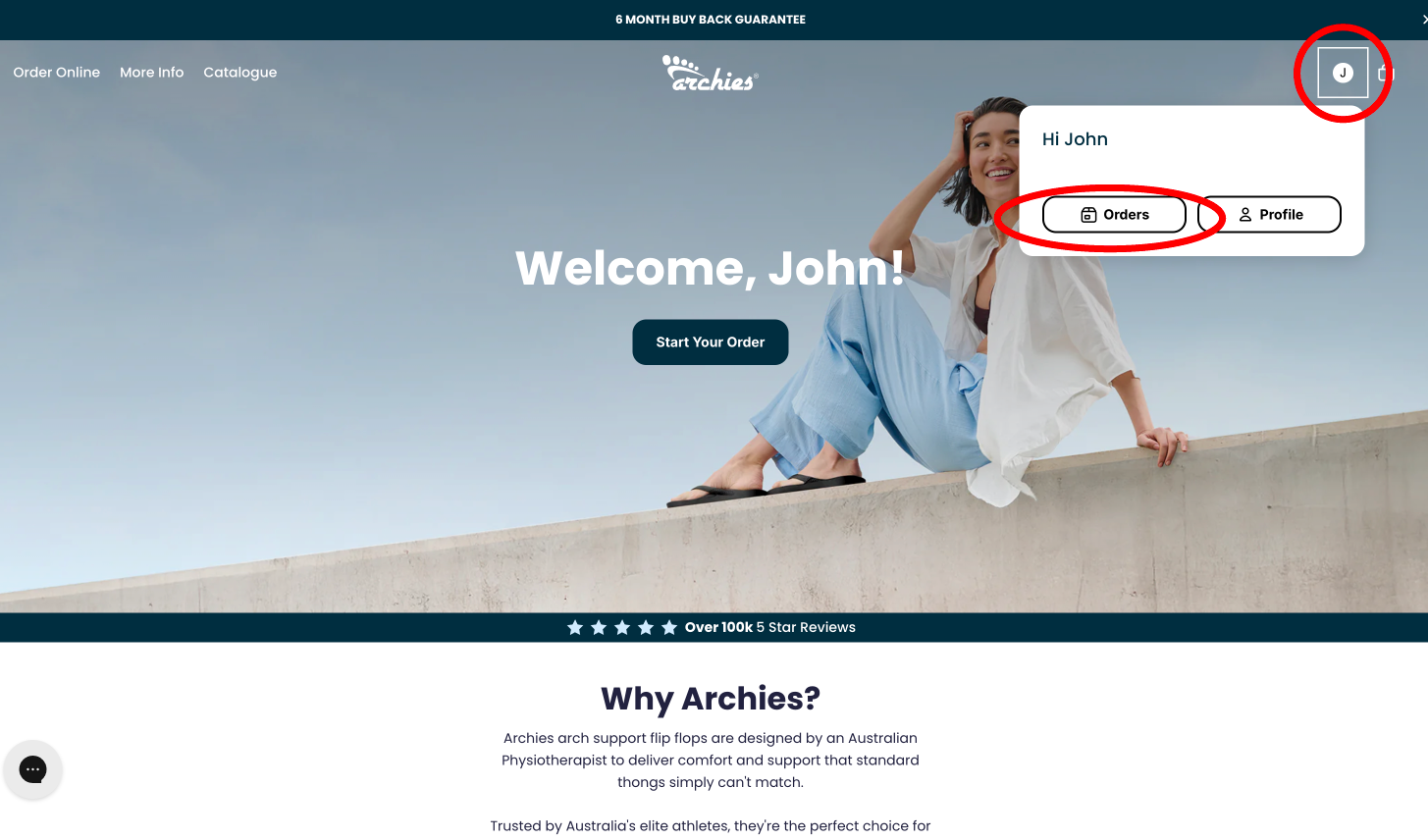
Once logged in you can navigate to 'Orders' to view a list of previous orders, pay an outstanding invoice, download an invoice etc.
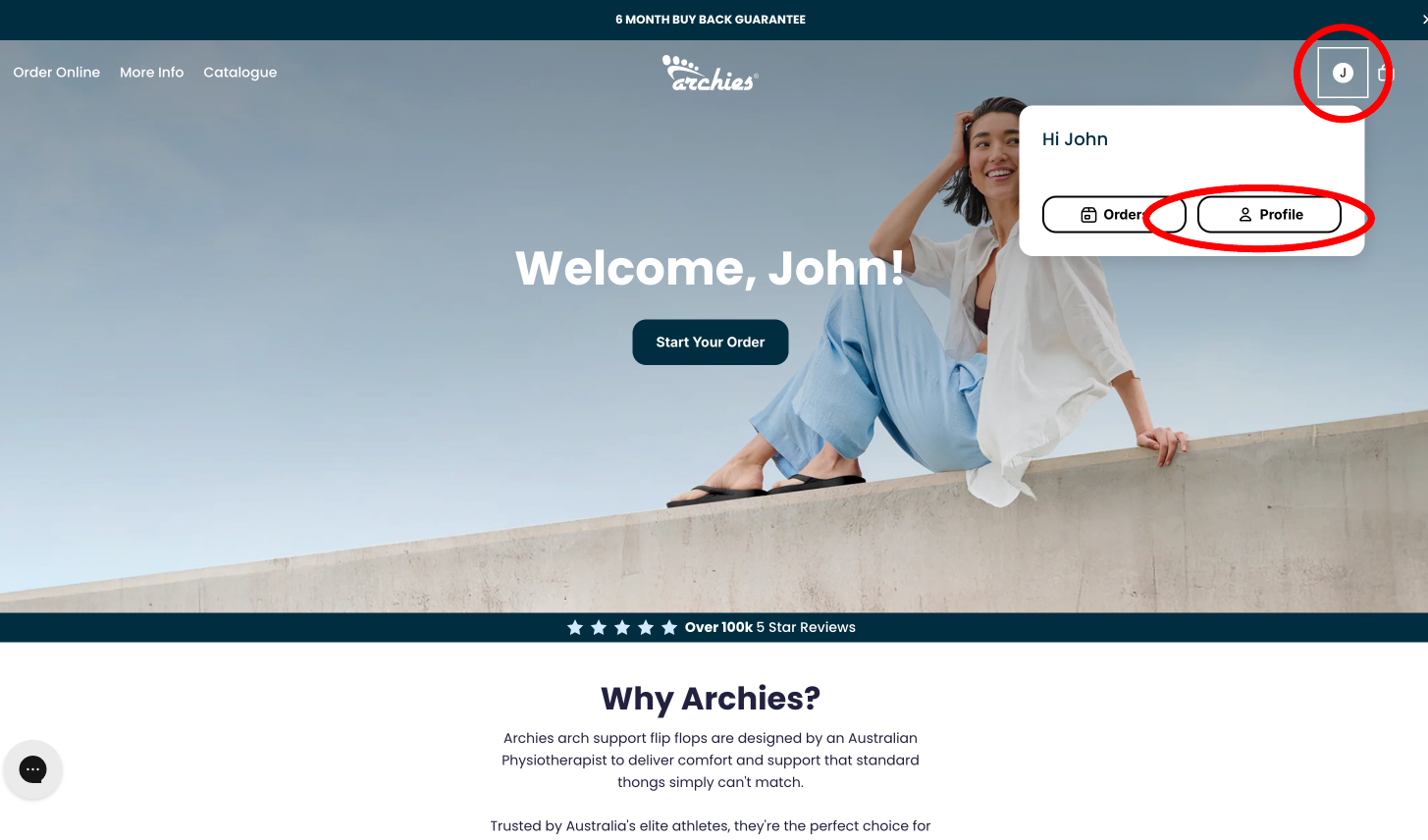
You can also navigate to 'Profile' where you can update any personal information ie. email address, shipping address, phone number
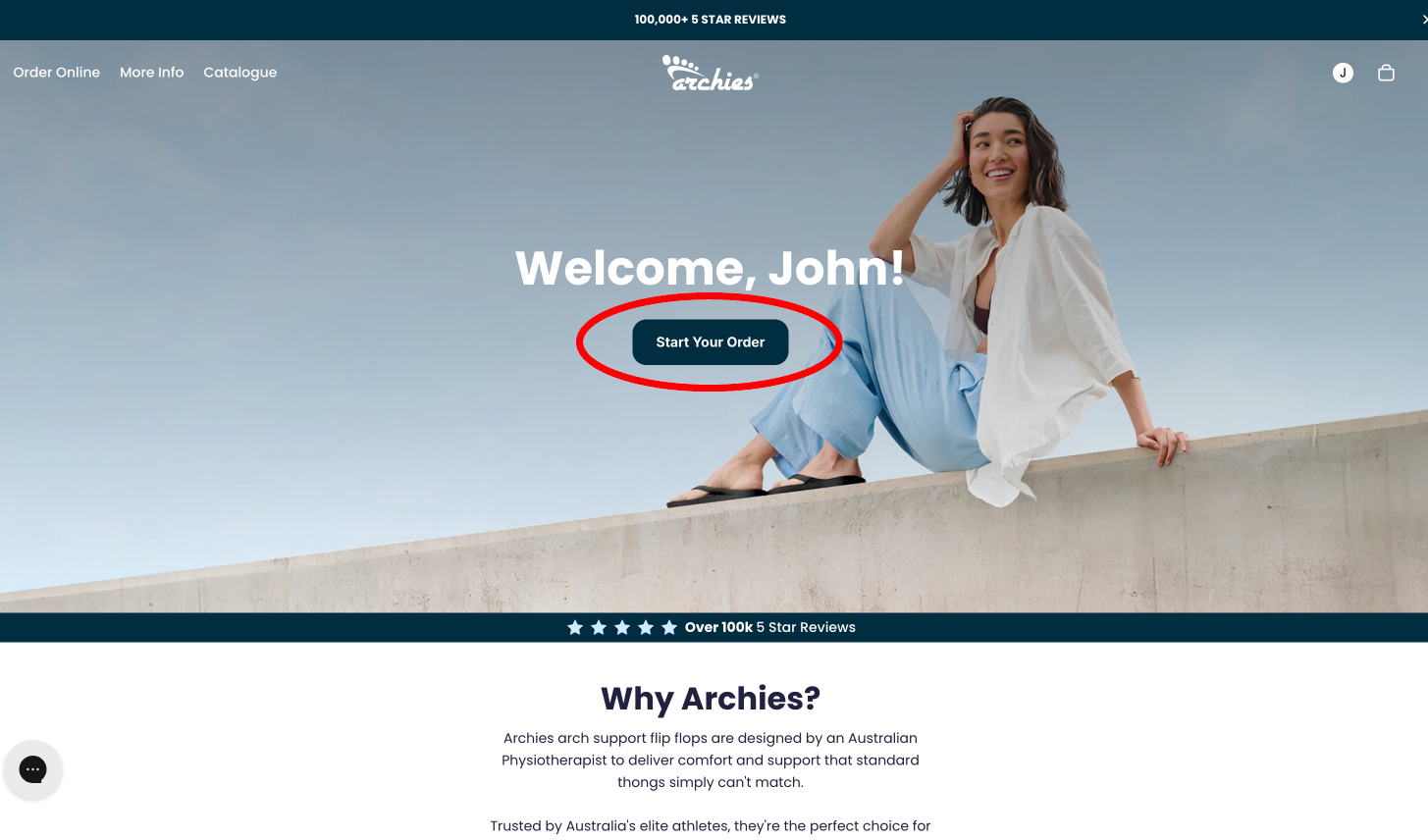
To begin placing an order you can click the "Start Your Order" button where you'll be presented with our brand new Wholesale Order Portal.
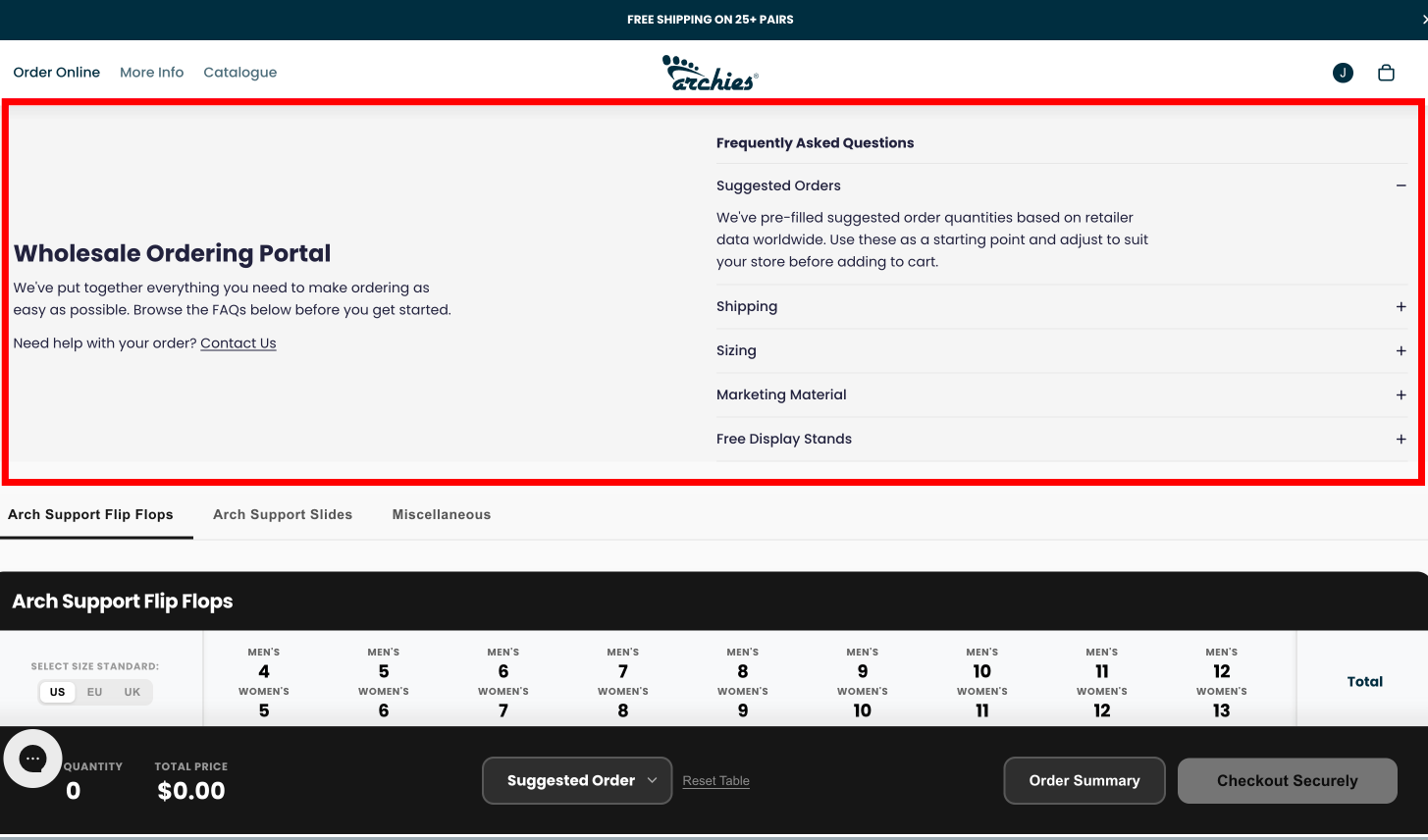
At the top of the page you will see our most FAQ's regarding our 'Suggested Order' function as well as shipping, sizing and marketing material, as well as a 'Contact Us' button to get in touch with a member of the Archies team if you require any assistance with your order.
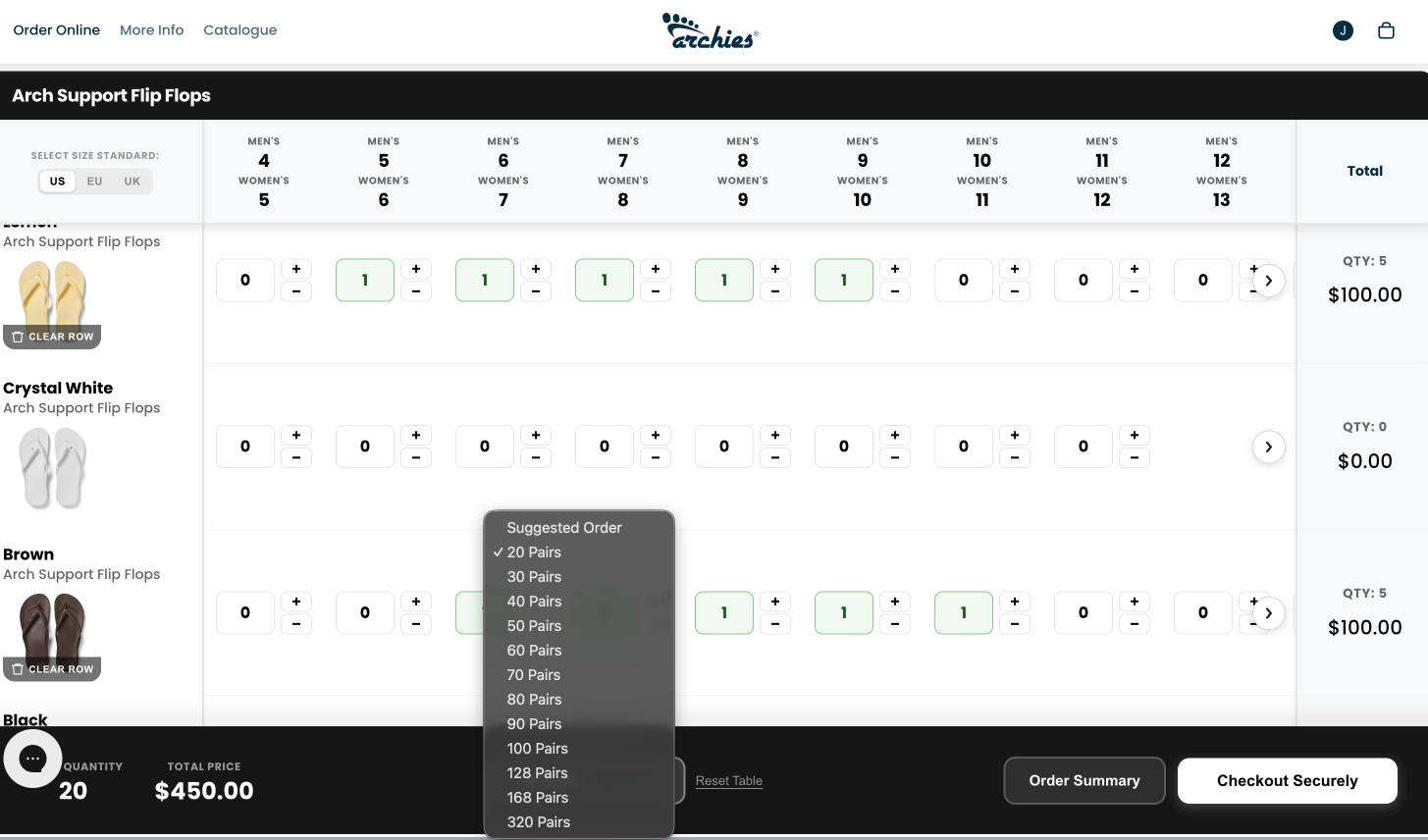
Our 'Suggested Order' function is built using data from our retailers all around the world and helps take the guess work out of your ordering by pre-filling orders for 20, 30, 40, 50, 60, 70, 80, 90, 100, 128, 168, 320 piece orders. If you've selected a pre-filled quantity you can edit the sizes and colors you see fit.
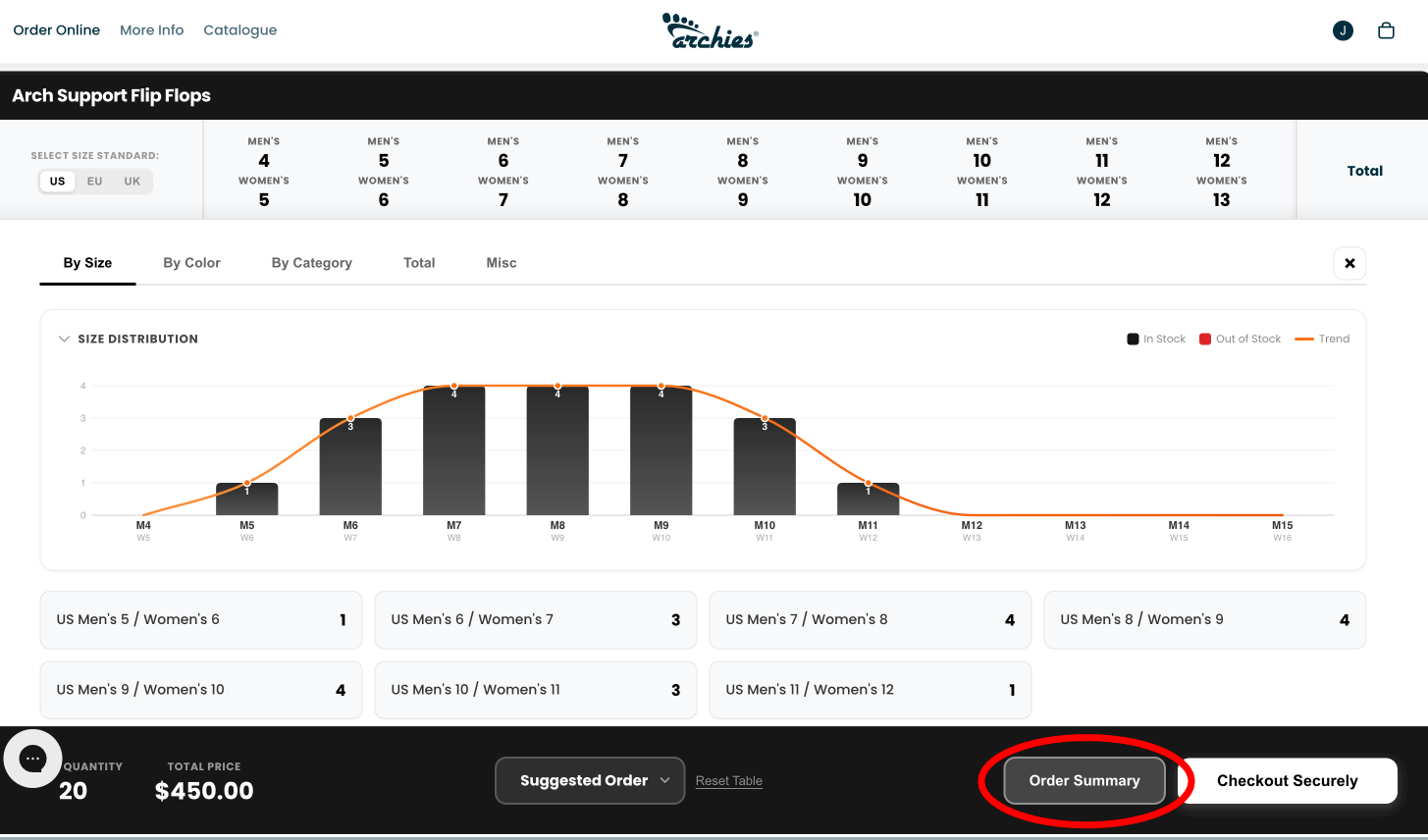
The ordering table will show you a total qty and price for each product in your selection in the 'Total' column, however to get a better understanding of your order we've created a 'Order Summary' tab which will give you insight on your order by size – including a size distribution graph to illustrate your order – as well as a By Color, By Category, Total and Misc tab for further breakdowns.
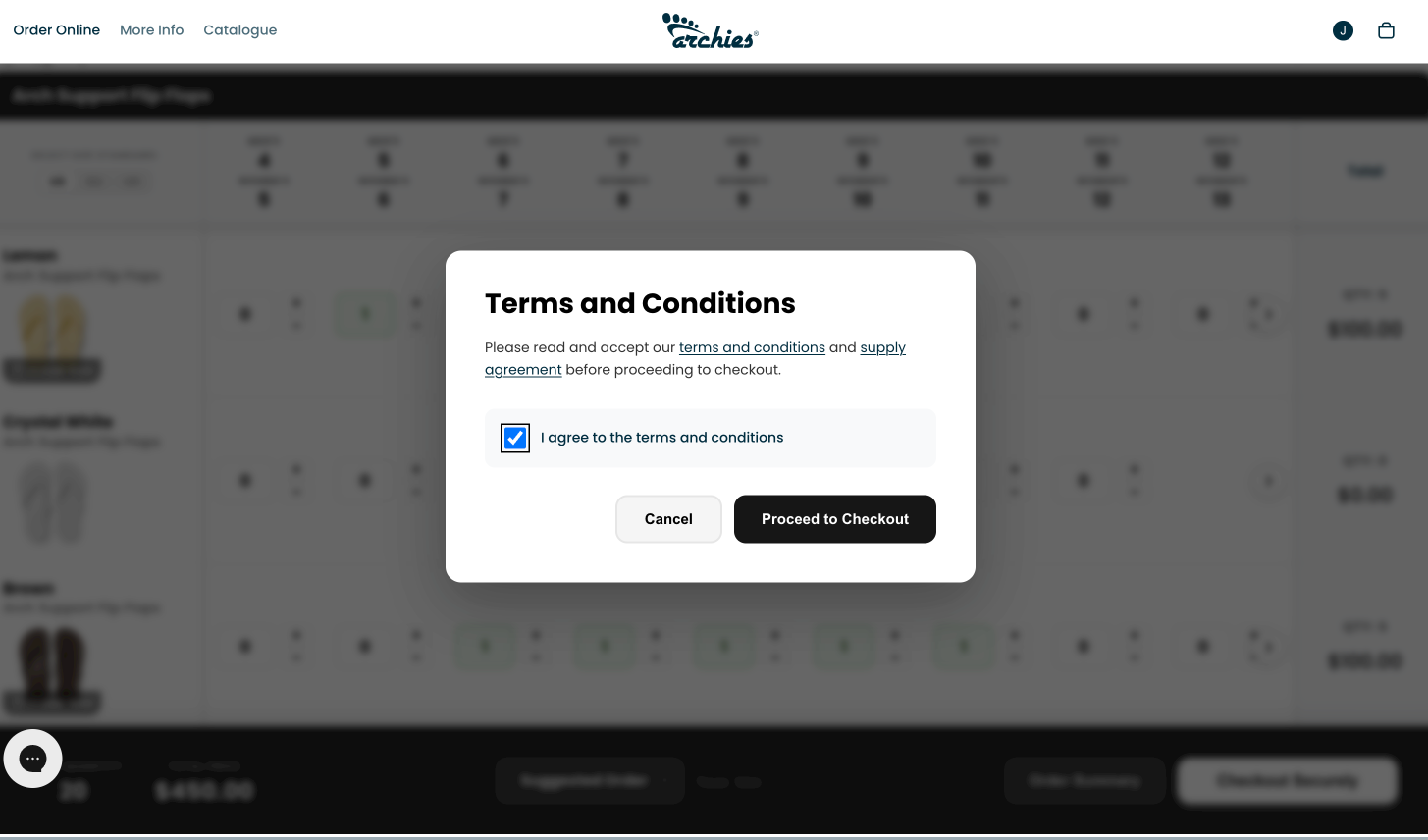
Once you're happy with your order navigate to the 'Checkout Securely' button in the bottom right of your screen. You'll be met with a Terms and Conditions modal where you'll acknowledge and accept our Supply Agreement and Terms of Service before allowing you to proceed to checkout. Once you tick "I agree to the terms and conditions" you'll be able to click 'Proceed to Checkout' where your shipping information will be pre-filled.
If you have any questions or are struggling with placing an order, please feel free to reach out to our customer service team who are here to help.